See More Products
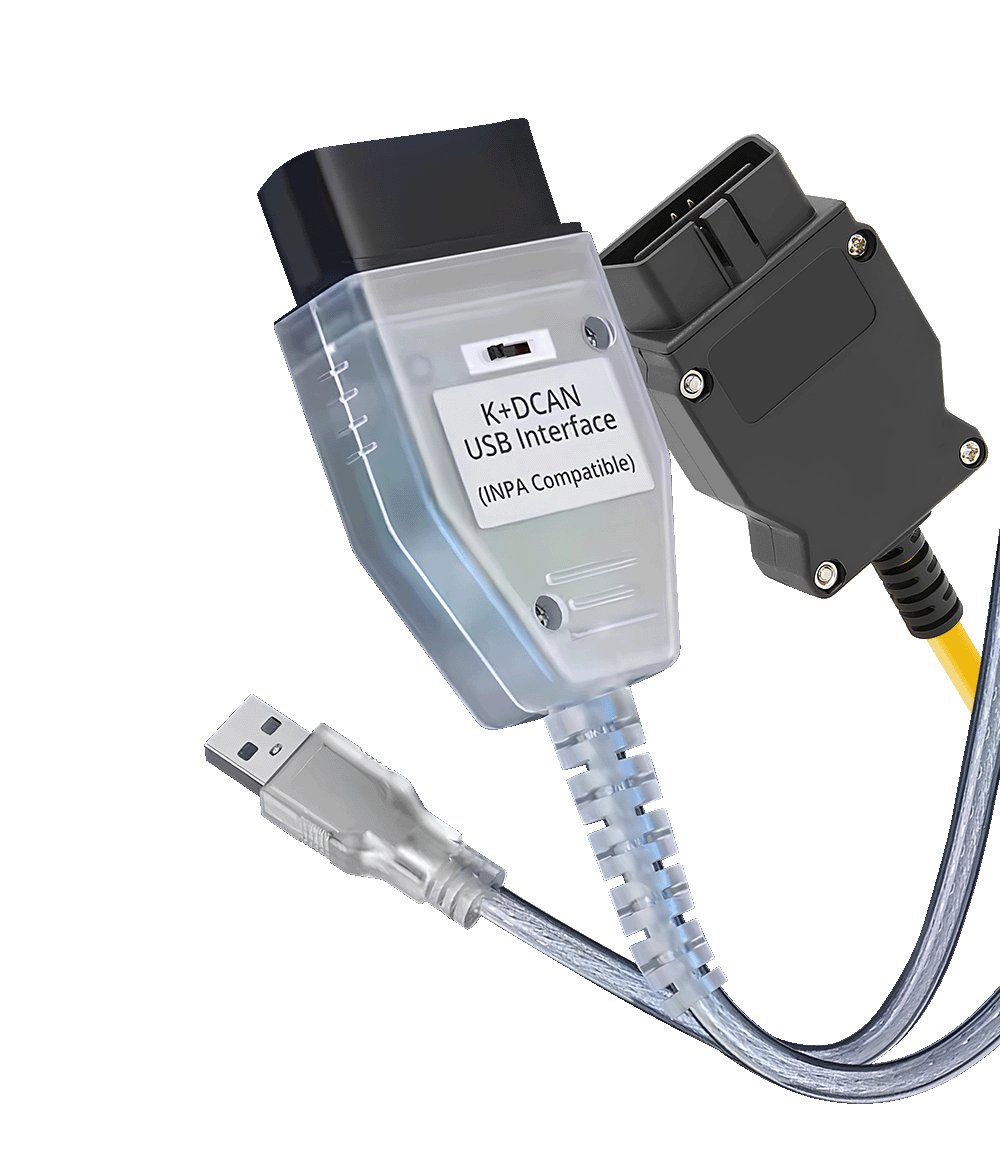
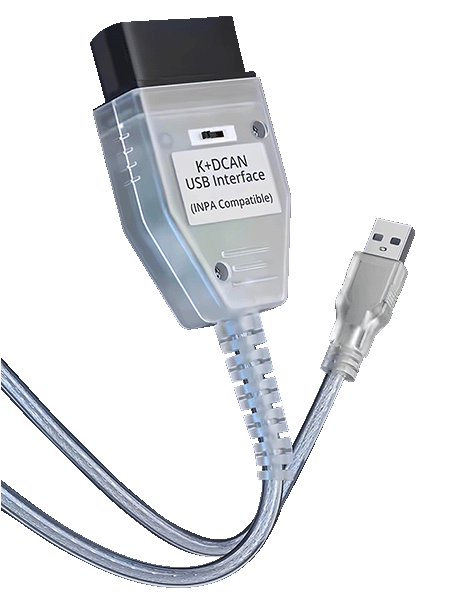
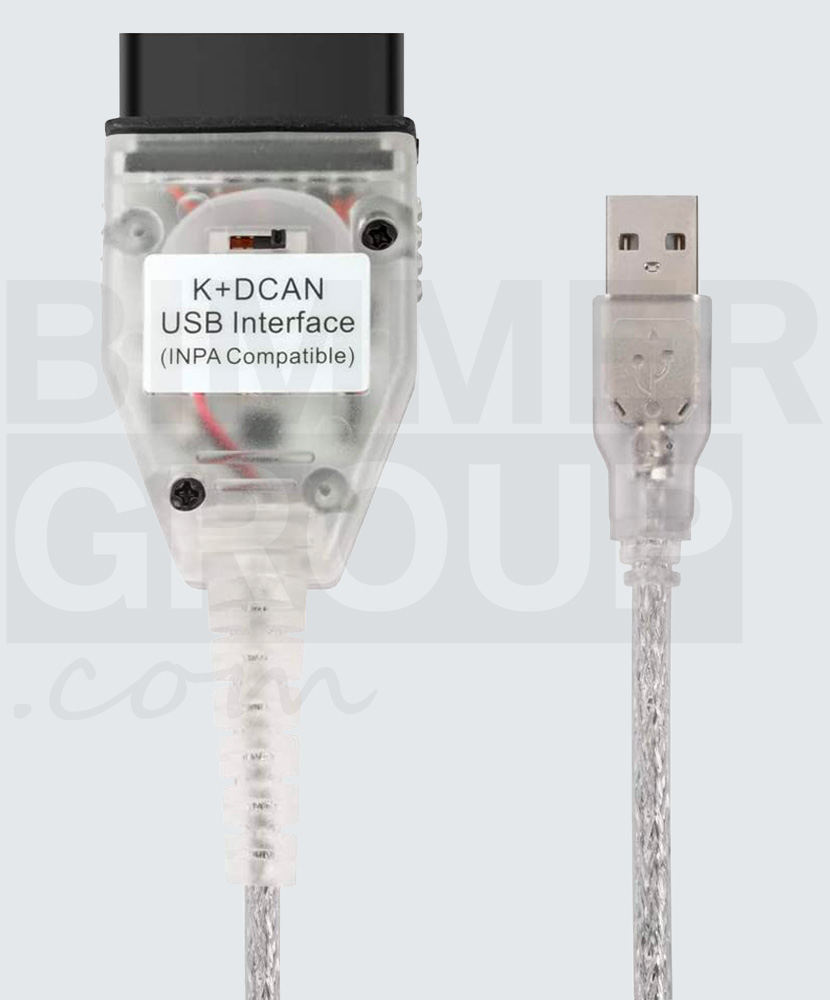
OBD Coding • ENET Cable • K+DCAN Cable

No guessing:
“Which cable do I need?”

ENET and K+DCAN cables for BMW
compatible with BimmerCode, ISTA, INPA, E-Sys, BimmerLink and more.

Cables for BMW
All BMW Models Covered
Compatible with Mobile, Tablet & PC
All You Need on One Page
Supports OEM & aftermarket software
Plug-and-play
4.9/5 From Owners

Compatibility Assistant

Which cable & adapters do I need?

Can’t find your model on the list? Contact us.

OBD Cables

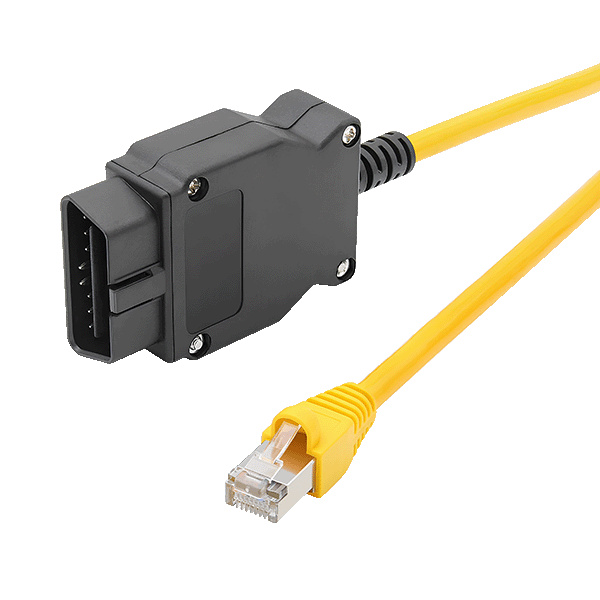
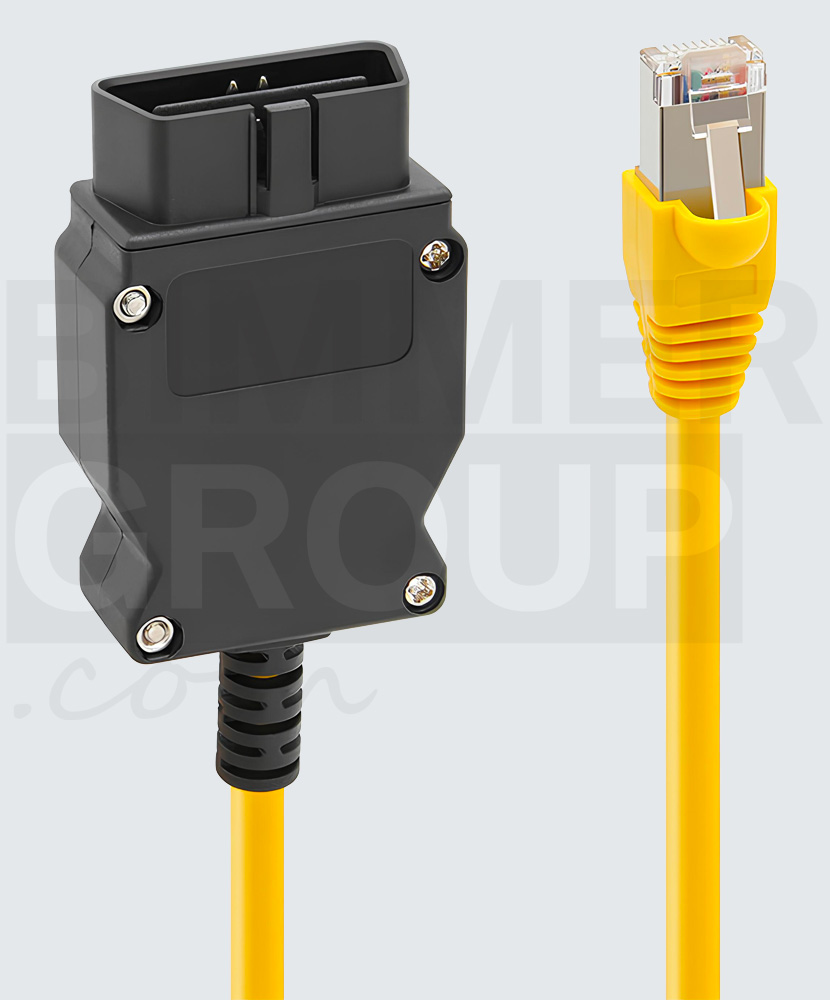
ENET cable
F/G/U/I-Series
ENET cable  Trending Now
  • Works with Esys, ISTA, BimmerCode/BimmerLink and more
  • Lightning-fast coding & flashing over Ethernet/DoIP
  • Ethernet RJ-45 Interface with Optional USB-C Adapter
  • No drivers needed (native Ethernet)

Adapters

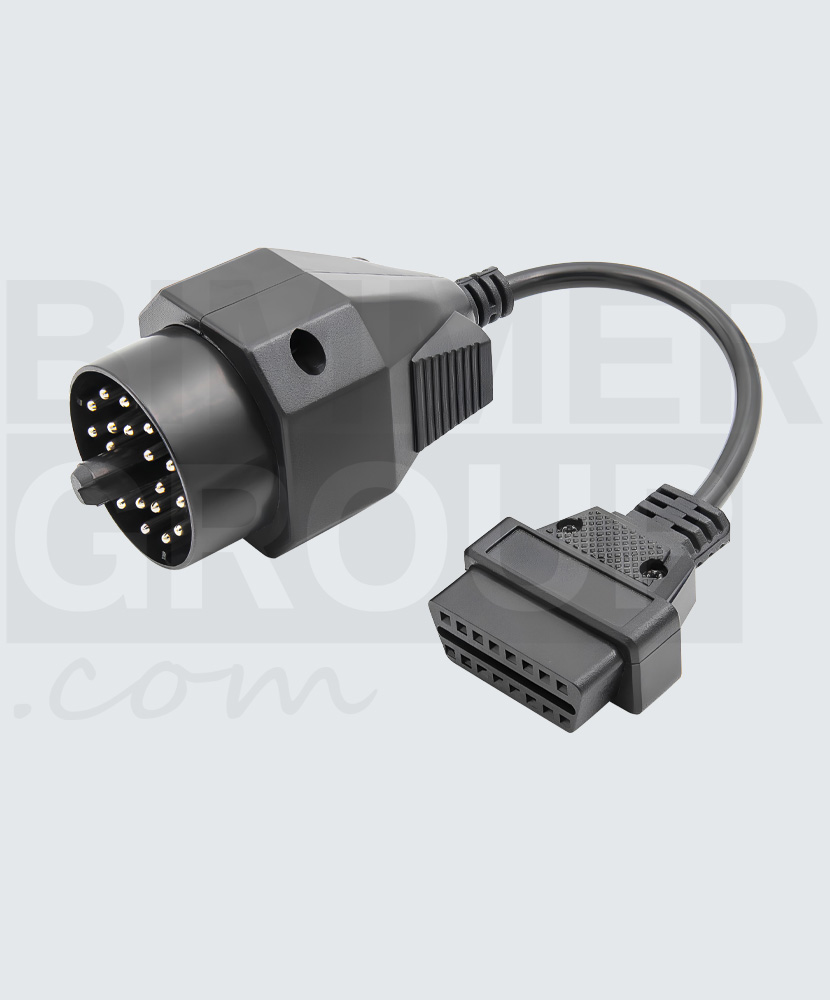
OBD1 to OBD2 converter
80s & 90s
OBD1 to OBD2 converter
  • 20-pin to 16-pin Diagnostic Adapter
  • For early E-series with round 20-pin port under hood
  • Use with K+DCAN to read/code older modules
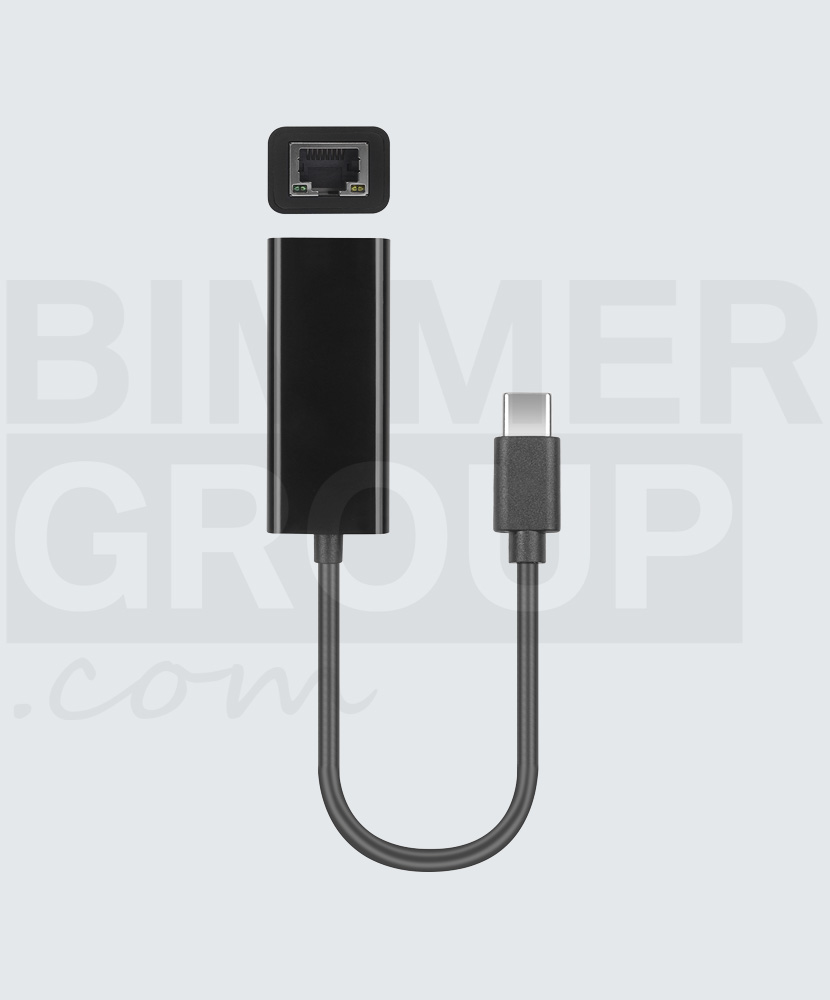
Ethernet to USB-C Adapter
For ENET
Ethernet to USB-C Adapter
  • Connect ENET to USB-C-only devices
  • Works with phones, tablets and PCs
  • Plug-and-play, no drivers required
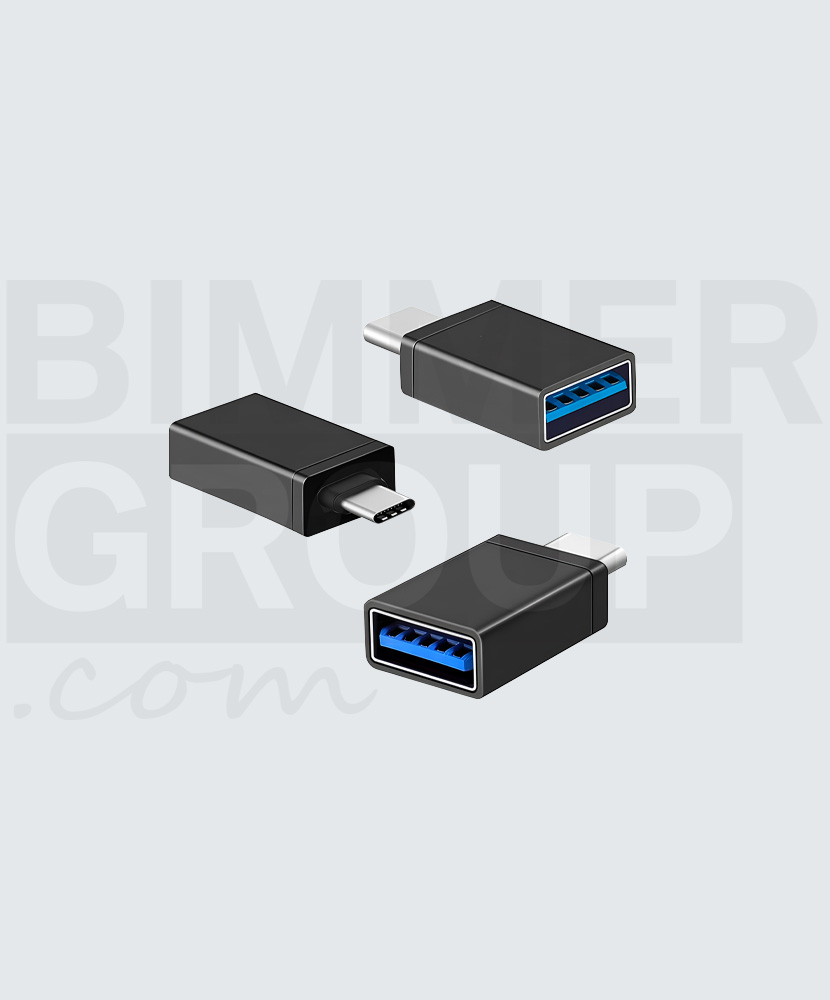
USB-A to USB-C Adapter
For K+DCAN
USB-A to USB-C Adapter
  • Use K+DCAN on USB-C-only devices
  • Works with phones, tablets and PCs
  • Plug-and-play, no drivers required

Setup Guide

4 simple steps

  1. 1

    Pick your cable

    K+DCAN for E-series. ENET for F/G/U/I-series. Not sure? Use the selector above or see the comparison table below.

  2. 2

    Have a 90s BMW with a round under-hood port?

    Add the OBD1 (20-pin) → OBD2 adapter to reach early E-series modules.

  3. 3

    USB-C-only laptop, tablet or phone?

    For K+DCAN use USB-A → USB-C. For ENET use Ethernet → USB-C.

  4. 4

    Install, connect, ignition ON, and run a first scan

    ENET is driver-free. K+DCAN needs the FTDI VCP driver. Start with a full vehicle scan to verify communication.

Compare

Spec K+DCAN    E-Series ENET    F/G/U/I-Series
Compatible Software
(Most Common)
INPA Diagnostics and live data for E-series
DIS Diagnostics and service functions
NCS Expert Coding for E-series modules
WinKFP Firmware flashing
Tool32 Advanced engineering functions
ISTA/D Diagnostics and service functions
ISTA/P Programming and coding (E-series)
ISTA+ Combined diagnostics & programming
ISTA+ Diagnostics and programming for F/G/U/I-series
ISTA+ Online Dealer-level diagnostic suite
E-Sys Advanced coding, programming, firmware flashing
BimmerCode Coding
BimmerLink Live data, sound control, DPF regen
MHD Flasher Performance tuning and data logging
xHP / xDelete Transmission and AWD tuning
ProTool Full diagnostics and coding
System
Compatibility
Windows  Fully supported
macOS  Via Windows VM (Parallels, Boot Camp)
Linux  Via Wine or Dockerized tools
Android  Via USB-OTG, few 3rd-party apps
iOS  Not supported (no USB access)
Windows  Fully supported
macOS  Via Windows VM (Parallels, Boot Camp)
Linux  Via Wine or Dockerized tools
Android  Supported
iOS  Supported
Compatible Vehicles

Feedback from Our Customers

ZM
Zahid M.

Very easy purchase, fast delivery. The cable works without any problems. Warm recommendations.

6 days ago
AK
Aljaž K.

Effective, quick and easy.

1 weeks ago
RK
Robert K.

Really good service and delivery was spot on.

2 weeks ago
DM
Drazen M.

No hassle at all. Ordered, sent, delivered.

1 months ago
HR
Hrvoje R.

Everything’s perfect!

5 months ago
AA
Abdel A.

Excellent service and best delivery

7 months ago
ID
Ilija D.

Brilliant service, super fast delivery and everything was spot on.

10 months ago
TM
Teo M.

Brilliant

10 months ago
DW
David W.

The cable works very good. I had a old obd2 cable that only worked for bmw to 2007. Now i can scan my E91 with no problems.
Good Product, and the Switch comes inhandy aswell.

10 months ago
IC
Ilija C.

Fast service

11 months ago
TF
Tadej F.

The ENET cable works exactly as it should. Recommended.

12 months ago
ST
Stanko T.

Excellent service :)

13 months ago
PB
Patrik B.
1 day ago
Aleksandro Š.
5 days ago
GV
Goran V.
2 months ago
SH
Saša H.
2 months ago
DT
Dusan T.
2 months ago
IP
Iiro P.
5 months ago
IK
Ivan K.
5 months ago
HT
Hrvoje T.
10 months ago
DO
Dejan O.
11 months ago
CW
Cornelius W.
11 months ago
JK
Jana K.
11 months ago
AG
Ante G.
12 months ago
IM
Ivan M.
12 months ago
ZL
Zlatko L.
13 months ago
IK
Ivan K.
13 months ago
IT
Igor T.
13 months ago
VP
Vid P.
13 months ago

FAQ

Quick answers for smooth diagnostics.

Older car has a round port under the hood — will this work?

Yes. Add the OBD1 (20-pin) → OBD2 adapter and use it with K+DCAN.

USB-C-only laptop?

For K+DCAN, add the USB-A → USB-C converter. For ENET, add the Ethernet → USB-C adapter.

Do I need drivers?

ENET does not need drivers (it uses built-in Ethernet).
K+DCAN requires FTDI VCP driver.

How to install the K+DCAN driver?

If **Windows Update** is enabled, plug in the K+DCAN cable and Windows will automatically find and install the correct drivers.

If drivers are **not installed automatically**:
1. Download the latest **FTDI VCP driver** from the official FTDI website (ftdichip.com/drivers/vcp-drivers).
2. Unzip the downloaded package.
3. Right-click the **.inf** file and select Install.
4. After installation, reconnect the cable — it should now appear under **Device Manager → Ports (COM & LPT)** as USB Serial Port (COMx).
5. Note the COM port number for your diagnostic software settings.

Is software included?

Cables and adapters only. Setup guides and compatibility info are available on this page.